
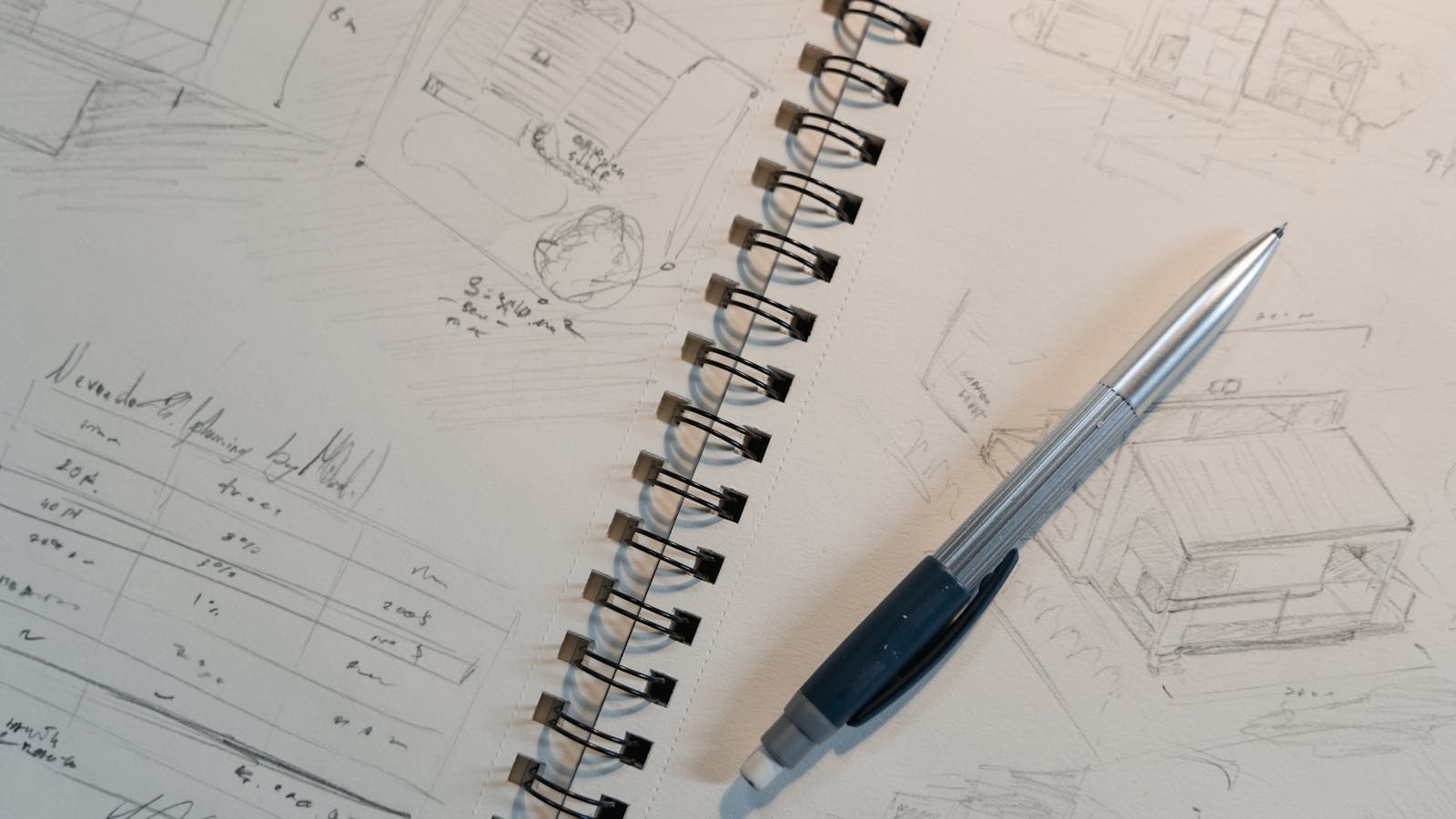
Most inventors imagine an invention prototype as a physical object. A hand-built model. A 3D-printed shell with working parts inside. That picture is out of date. The first invention prototype most licensing-track inventors should build is not a physical object at all. It is a virtual one.
An invention prototype is not one thing. It is a category that splits three ways: virtual, looks-like, and works-like. Each answers a different question. Each costs a different amount. And for the inventor pursuing a license deal, only one of the three is almost always required. The other two are optional, situational, and downstream.
After 16 years of running invention design out of Champlin, Minnesota, the team has watched the same scene repeat. An inventor walks in with a single hand-built physical prototype that took eight months and $4,000. It mostly works. It looks like a product. The problem is that the licensee they pitched did not need to handle a physical object. They needed clear renderings and a CAD file. The inventor spent six months building the wrong thing.
The fix is to know which of the three types of invention prototype each situation calls for, and to start with virtual.
Type One: Virtual Prototype
A virtual invention prototype lives on a screen. It is built from three components: photorealistic renderings, a CAD model, and (when motion matters) a short product animation.
Photorealistic renderings. Computer-generated images that show the product the way professional product photography would. Real materials. Real lighting. Real backgrounds. Hero shots, angle views, and in-use scenes. A licensee opens a PDF and sees what looks like a finished product on a shelf, in a hand, or on a kitchen counter. The viewer should not be able to tell the image was rendered.
CAD model. The geometric file underneath every rendering. CAD (computer-aided design) defines every dimension, every surface, and every relationship between parts. It is the file a manufacturer would quote production from. It is the file a patent attorney references for the utility drawings a USPTO utility patent application requires. STEP format for cross-platform transfer, plus a native file in SolidWorks, Fusion 360, or similar.
Product animation. A short MP4 that shows the product in use. A folding mechanism deploys. A dispenser releases. A tool transforms between configurations. Twenty to sixty seconds of motion communicates what would take three paragraphs and four diagrams to describe.
A virtual prototype is what licensees ask to see first. It is what gets forwarded inside a company. It is what gets watched in conference rooms. For the licensing track, this is the deliverable.
Cost range for a virtual invention prototype: $4,000 to $10,000 for a moderately complex consumer product, depending on how many renderings, whether animation is included, and the complexity of the CAD assembly.
Timeline: 3 to 12 weeks from kickoff to a finished package.
Revisions: hours to days. A licensee who responds with “what if it were 20% smaller and the handle were curved” can see the revised images that same week.
What a virtual prototype does not do: it does not prove function. It does not validate durability. It does not let anyone hold the product. For most licensing conversations, none of that matters at the first meeting.
Type Two: Looks-Like Prototype
The looks-like prototype is a physical object that matches the renderings. It captures form, scale, weight, ergonomics, color, and surface finish. It does not need to function. Sometimes called an appearance model, a beauty model, or a design prototype.
The looks-like is built from the CAD file produced in the virtual stage, so the physical model matches the rendering. The material decisions at this point follow the framework in choosing materials for an invention prototype. SLA resin printed on a Formlabs machine for fine surface detail. Sanded and primed PLA for larger volumes. Urethane casts pulled from a silicone mold when three to five identical units are needed. A real product label printed on adhesive vinyl. The unit can be a hollow shell with a weight stuffed inside to mimic the final mass. It can have a switch that does nothing. The handler should not be able to tell.
When a looks-like prototype is the right call:
- A manufacturer explicitly asks to see one before signing a licensing agreement (more common in categories with tactile considerations, such as grip surfaces, weighting, or soft goods)
- The form has an aesthetic property that has to be felt in person (a curve, a heft, a balance point)
- A retailer wants to see the product on a shelf before agreeing to carry it
- The inventor is preparing for a trade show or photography that benefits from real materials
When a looks-like prototype is overhead:
- The licensee never asked for one
- The product is being evaluated purely on appearance from renderings
- The CAD model and renderings already communicate the form clearly
Cost range for a looks-like invention prototype: $800 to $3,500 for a single appearance model. Multi-unit batches for focus testing run higher.
Timeline: 2 to 4 weeks once the CAD is finalized.
The trap to avoid: building a looks-like that also tries to function. The moment working internals get crammed in, geometry compromises start. Walls thicken to fit components. Seams move. Suddenly the looks-like no longer matches the production part, and the value of a clean appearance model is gone.
Type Three: Works-Like Prototype
The works-like prototype is the one most inventors imagine when they say “prototype.” A functional unit that operates the way the production product will operate. Representative materials. Representative manufacturing processes. Representative tolerances. A tester picks it up and uses it for two weeks.
Works-like prototypes use production-grade or near-production-grade parts, and 3D printing for an invention prototype often produces the first round of them. Injection-molded ABS or polycarbonate housing where injection molding will be the final process. CNC-machined aluminum for structural parts that will eventually be die-cast. Custom PCBs spec’d to the same component values that will ship. Real motors, real sensors, real batteries.
When a works-like prototype is the right call:
- The inventor is self-manufacturing rather than licensing
- A manufacturer requires a functional unit to evaluate production feasibility (rare at the first meeting, sometimes required before contract signing)
- The mechanism is novel enough that a virtual prototype does not communicate how it actually performs
- Regulatory or certification work requires a functional sample
When a works-like prototype is overhead:
- The inventor is pursuing licensing and the target companies evaluate from renderings
- No manufacturer or retailer has asked to see function
- The virtual prototype already communicates everything needed for the pitch
Cost range for a works-like invention prototype: $3,000 to $25,000 for a single functional unit. A handheld mechanical product with no electronics lands at the low end. A consumer electronics product with custom PCB and battery management lands at the high end. Medical or FDA-adjacent runs higher.
Timeline: 8 to 20 weeks for the first functional version. Plan for 3 to 6 revisions before the design is manufacturing-ready.
The discipline at this stage is to match production tolerances, not exceed them. If the production part will have +/- 0.005 inch tolerance, the works-like uses parts with +/- 0.005 inch tolerance. Otherwise the works-like passes a test the production part would fail, and the inventor only discovers this after tooling is cut.
How the Three Types Fit Together
| Type | Question answered | Build time | Materials | Typical cost |
|---|---|---|---|---|
| Virtual | How does the product look and work in concept? | 3 to 12 weeks | Renderings, CAD, animation files | $4,000 to $10,000 |
| Looks-like | What does the product feel like in hand? | 2 to 4 weeks | SLA resin, PLA, urethane casts | $800 to $3,500 |
| Works-like | Does the engineered product perform under use? | 8 to 20 weeks | Production-grade plastics, machined metals, custom electronics | $3,000 to $25,000 |
The order matters. Virtual first, looks-like and works-like only when needed. The full sequence is laid out in how to make an invention prototype, and an inventor who jumps straight to a works-like has skipped two cheaper, faster checkpoints. If the works-like fails because the geometry was wrong, that failure could have surfaced for a few hundred dollars of CAD revision two months earlier.
Why Virtual Comes First for Licensing-Track Inventors
A licensing-track inventor has one job at the prototype stage: communicate the invention clearly enough that a product manager at a target company can imagine it on a shelf, in a catalog, or in a customer’s hand. Communication is the deliverable. Function comes later, and only if the conversation gets that far.
Virtual handles communication better than a physical model. Iteration is cheap (a CAD model gets revised in an afternoon, a foam mockup gets rebuilt in three days). Presentation quality is consistent (a rendering on a clean background looks the same to every viewer). Companies are used to it (product teams inside CPG firms, hardware brands, and housewares manufacturers evaluate concepts from rendering decks every week).
This runs counter to most of what independent inventors read online, but it holds up in practice: you do not need a physical prototype to license your invention. The same logic shapes what it costs to prototype an invention, since the virtual path carries most licensing projects. Companies license off renderings, CAD, and animation regularly. The physical prototype enters the conversation in three situations: a specific manufacturer asks for one (usually after initial interest), the product has a tactile property that has to be experienced in person, or the inventor has decided to self-manufacture instead of license. Outside these, a physical prototype is optional. Most inventors who self-fund a $15,000 functional prototype before pitching anyone have made an expensive guess about what a licensee will ask for.
When Each Type Gets Used
Virtual use cases: the first licensing pitch, the patent illustrations described in the USPTO patent process overview, sell sheets and pitch decks, investor meetings, internal design reviews, crowdfunding marketing material.
Looks-like use cases: a manufacturer requesting a sample before contract signing, a retailer wanting to see the product on a shelf, photography that benefits from real materials, trade show booths where buyers want to handle the product, brand alignment conversations with a potential licensee.
Works-like use cases: durability testing across 100+ use cycles, regulatory pre-submissions, manufacturer quotation packages on a self-manufactured product, final design freeze before tooling release, crowdfunding campaigns where backers expect a video of the product in use. This is the type that gets put through a structured plan for how to test an invention prototype.
A licensing-track inventor often stops after virtual. A self-manufacturing inventor pushes through all three. A hybrid inventor builds virtual every time and adds physical types only when the project requires them.
What “Invention Prototype” Means at Each Type
The word “prototype” gets used loosely. A virtual prototype is sometimes called a rendering package, a CAD package, or a digital prototype. A looks-like is sometimes called an appearance model or a beauty model. A works-like is sometimes called an engineering prototype, an alpha prototype, or a functional prototype. When companies use Greek letters, alpha is the first functional unit, beta is the refined version, and pre-production is the unit built on production tooling.
Stage Gates: What to Verify Before Moving Up
Moving from one type to the next without verification is how budgets blow up. Define what success looks like at each type and refuse to advance until the answer is yes.
Virtual stage gate: the renderings, CAD, and animation (if applicable) communicate the invention clearly to someone seeing it for the first time. Test this on three to five people in your target buyer demographic.
Looks-like stage gate: the physical model matches the rendering, holds up to handling, and feedback from the people meant to evaluate it (manufacturer, retail buyer, focus group) has been incorporated.
Works-like stage gate: the unit has completed a defined functional test plan with documented results. Drop test, cycle test, environmental test, user test, whatever applies. Documented in writing. How many prototype iterations you need before that gate passes depends on the category and the complexity of the mechanism.
A team with 16 years of cross-category experience can spot a category-specific failure mode a first-time inventor would miss. The cost of that outside review is far less than the cost of cutting tooling against a flawed design.
Category Variations
The virtual-first framework holds for most categories. Consumer electronics often runs firmware development in parallel with the works-like type. Soft goods blur the line between looks-like and works-like since both involve a real sewn sample. Food and chemical products use the virtual prototype for packaging rather than mechanism. Medical devices add documentation overhead at every type, with higher costs and longer timelines.
How a Design Firm Packages the Three Types
Design firms price by type. A typical quote breaks out virtual, looks-like, and works-like as separate line items with separate deliverables and sign-offs. This lets the inventor pause between types, raise more money, or change direction without sunk-cost pain.
Enhance’s design packages are built around this. Sapphire Lite at $4,000 to $4,500 delivers focused renderings plus a patent search. Sapphire at $5,979 expands the rendering set. Gold at $6,979 adds a full CAD model. Platinum at around $9,500 adds product animation. All four are virtual-prototype packages. The engineering and prototyping work for physical add-ons comes on top, scoped per project, only when needed.
FAQ
How long does the full prototype sequence take?
Virtual-only: 3 to 12 weeks from kickoff to a finished package. Add 2 to 4 weeks for a looks-like model. Add 8 to 20 weeks for a works-like functional unit. A licensing-track project often finishes at virtual and never enters the physical timeline.
Can I skip the virtual prototype if I already have a physical one?
You can, but most inventors find the licensee meeting goes better with renderings than with the handmade model. Renderings photograph cleaner, communicate the production form, and revise faster. Many inventors who built physical-first end up commissioning renderings later anyway.
Do I need to be a CAD user to commission these prototypes?
No. A firm with experienced industrial designers and engineers can take a sketch, a verbal description, and a few reference products and turn that into CAD files. The inventor’s job is clarity, not CAD skills.
What software is used for the design files?
SolidWorks, PTC Creo, and Autodesk Fusion 360 for CAD. KeyShot and Blender for appearance renderings. Mastercam or NX for CAM and tooling at the works-like type.
Can I get a quote without revealing my idea?
Yes. A firm with a long track record will sign a non-disclosure agreement before the first technical conversation. NDAs are routine.
What deliverables come with each type?
Virtual delivers renderings, a CAD model in STEP and native format, exploded views, and (in higher tiers) animation. Looks-like delivers a physical appearance model plus photography. Works-like delivers a functional unit, full CAD files, a bill of materials, test results, and a manufacturing handoff package.
The three types of invention prototype are not a marketing framework. They are how disciplined design firms run the work, and how an inventor avoids paying for the same lesson twice. Start with virtual. Build physical types only when the project asks for them.